

Write. Preview. Done.
Formatting shortcuts, live preview, and an outline that keeps up.

A little space for big ideas.
Write Markdown, see it take shape, and keep your documents on your device. Your next draft starts here.
Free browser extensions · Apple app sold separately
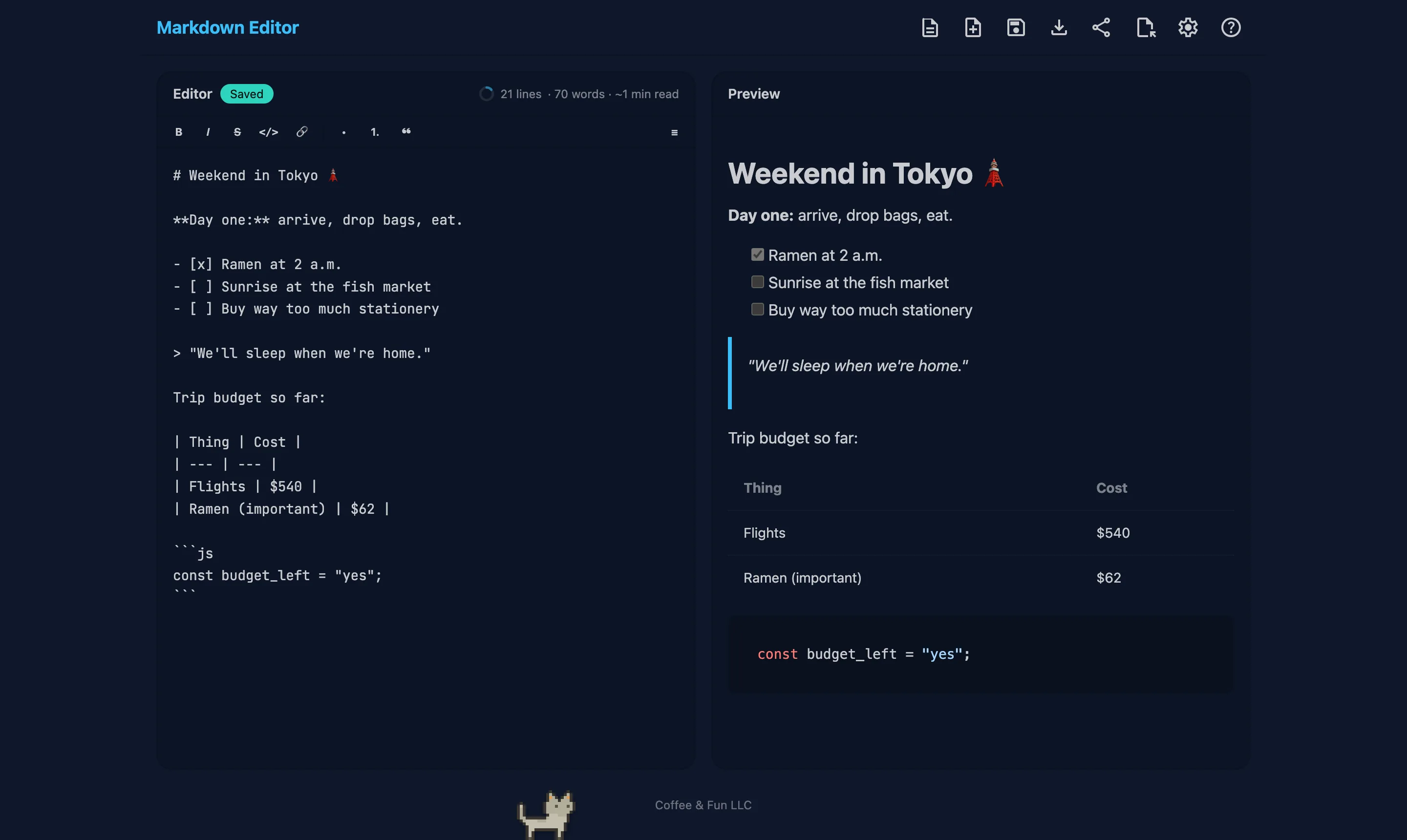
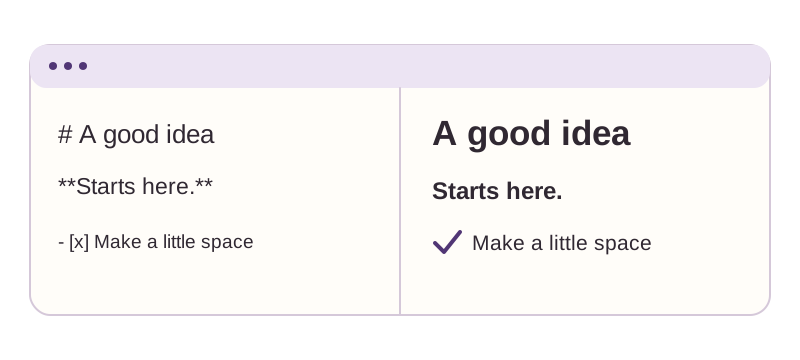
Live preview
Works offline
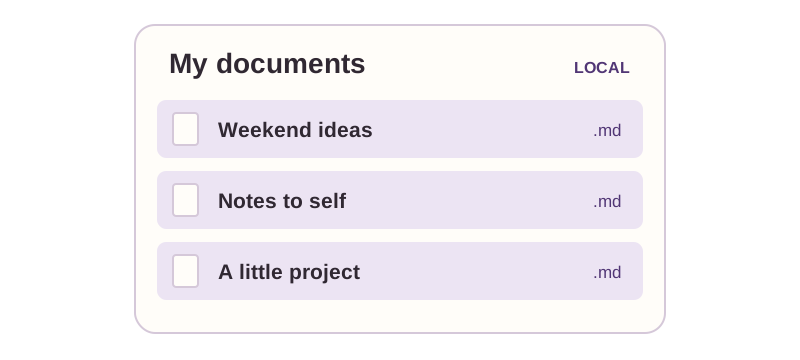
Local document library
No subscription
THE LITTLE DETAILS
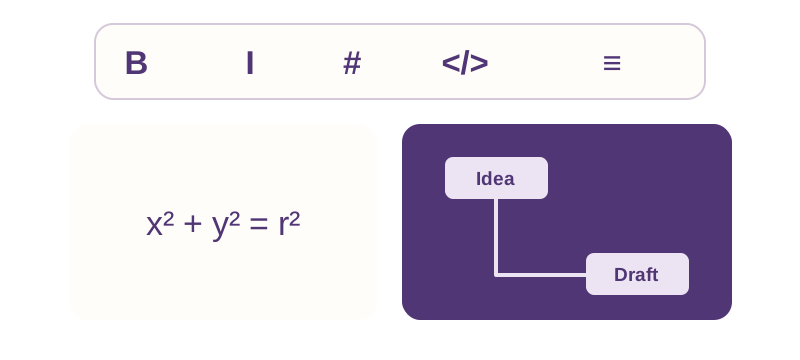
Formatting shortcuts, live preview, and an outline that keeps up.
Tables, equations, diagrams. Eight themes to make it yours.
Local documents, version history, and one-click backups.
Documents are stored locally on your device. Export a backup when you need one. Sharing a document with another service is something you choose.
GETTING STARTED
Install the extension or Apple app and start a document. No account to create.
Write on one side and see your formatted page on the other. Use the toolbar or keyboard shortcuts.
Download Markdown, export HTML, print, or back up your library as a ZIP.
Free browser extensions · Apple app sold separately
The Chrome, Edge, and Firefox extensions are free. The app for Mac, iPhone, and iPad is a separate one-time purchase with the Safari extension included. See the App Store for your local price.
Yes. Editing, previewing, and your document library work on your device without an internet connection.
Automatic version history keeps snapshots while you write. You can also export individual documents or back up the whole library as a ZIP.
GitHub-flavored Markdown, including tables and task lists, plus footnotes, front matter, KaTeX math, and Mermaid diagrams.
No. The cat, sounds, and other toys are optional and off by default.
What’s new, straight from the workshop. The version number is the date, no decoder ring needed.
A formatting toolbar with ⌘B, ⌘I, and ⌘K. Find & replace (⌘F). An outline panel. Automatic version history. Templates. Smart paste that turns web clippings into clean markdown. Typewriter scrolling, word goals with a progress ring, themed HTML export, and one-click .zip backup of every document. Math with KaTeX, diagrams with Mermaid, send-to for ChatGPT, Claude, and Perplexity, a built-in markdown guide (⌘/), a redesigned Documents view, and the whole app hand-translated into 70 languages.
The era of themes and toys: eight color themes and the chaos zone grew up here, the pet cat, Matrix rain, vaporwave mode, the combo counter, typewriter sounds, and friends, alongside a long tail of preview and performance polish.
A fast, private markdown editor with live GitHub-flavored preview, offline documents that never leave your device, and one-click HTML export. Small, quick, and quietly determined to stay that way.