
Immersive Reader for Safari
Any page. Read your way.
Turn cluttered web pages into calm, customizable reading — with natural text-to-speech, focus modes, and translation. Right inside Safari on iPhone, iPad, and Mac.
Built for dyslexia & ADHD · Natural voices · Works on any site
How it works
Subscribe
Get Premium Access in the app.
Open Safari
Navigate to any web page.
Tap & Read
Select Immersive Reader from the share menu.
Hear it. See it. Get it.
Six tools that turn "I'll read it later" into "already read it."
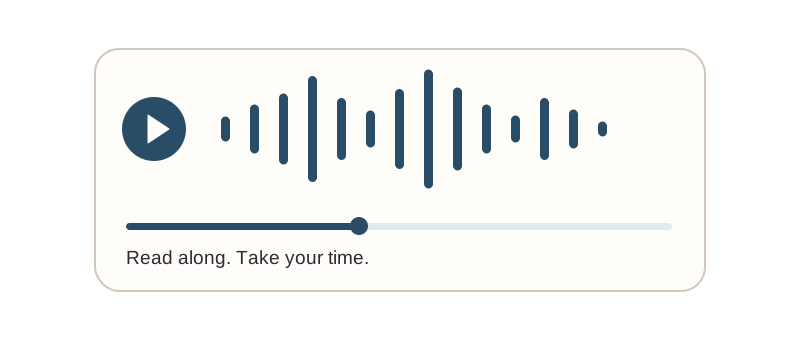
Text-to-Speech
Natural-sounding voices read web pages aloud. Perfect for multitasking or accessibility needs.
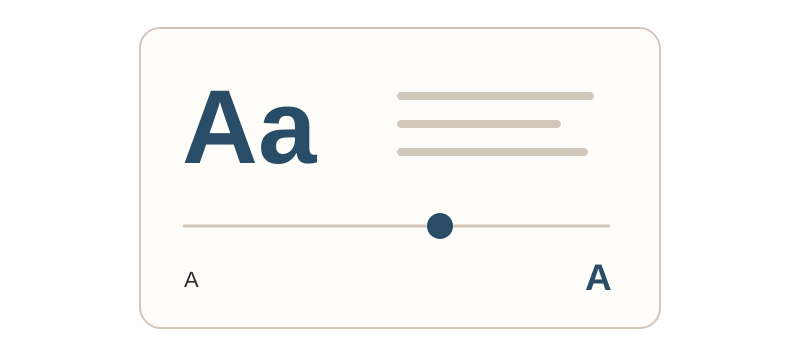
Customizable Display
Adjust text size, spacing, fonts, and background colors for maximum comfort.
Focus Mode
Reduce distractions with line focus and other tools that help your eyes stay on track.
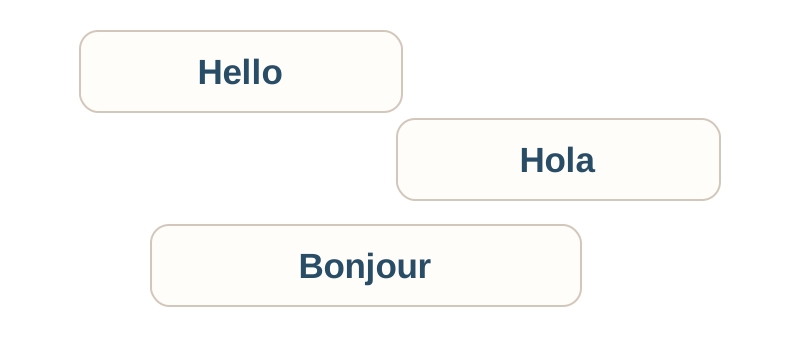
Translation
Translate full pages into multiple languages, or get word-by-word translations as you go.
Picture Dictionary
Visual learners can see images for words to build comprehension faster.
Grammar Tools
Highlight nouns, verbs, and adjectives to understand sentence structure at a glance.
Made for every kind of reader
Students
Study more effectively with audio and visual aids.
Dyslexia & ADHD
Customizable tools designed for different learning needs.
Visual Impairments
Text-to-speech and adjustable displays for accessibility.
Language Learners
Translation and pronunciation tools for learning.
How-to guides
- Download Immersive Reading from the App Store
- Open the app and complete your subscription
- Open Safari and go to Settings (tap the AA button in the address bar)
- Tap "Manage Extensions"
- Enable "Immersive Reading"
- Grant necessary permissions when prompted
- Navigate to any webpage in Safari
- Tap the share button (square with arrow pointing up)
- Scroll down and select "Immersive Reading"
- The reading tools interface will appear
- Choose your preferred settings (text size, voice, etc.)
- Tap play to start text-to-speech
Text Size: Use the text size controls to increase or decrease font size
Text Spacing: Adjust line and word spacing for better readability
Voice Selection: Choose from multiple natural-sounding voices
Reading Speed: Control how fast the text-to-speech reads
Focus Mode: Highlight individual lines or sections to reduce distractions
- Open the Settings app on your iPhone or iPad
- Tap your name at the top
- Tap "Subscriptions"
- Select "Immersive Reading"
- From here you can cancel, modify, or view renewal date
Or tap "Manage Subscription" in the Immersive Reading app.
Check if extension is enabled:
- Open Safari Settings → Manage Extensions
- Ensure Immersive Reading is toggled ON
Verify subscription status:
- Open the Immersive Reading app
- Check that your subscription is active
- Try "Restore Purchases" if needed
Restart Safari:
- Close Safari completely
- Reopen and try again
Frequently asked questions
While we'd love to offer this for free, there are real costs associated with providing access to the text-to-speech and accessibility services. Your subscription helps us maintain and improve the app while keeping it accessible and reliable.
- Yearly subscription with automatic renewal
- Payment charged to your iTunes account at confirmation
- Auto-renews unless cancelled at least 24 hours before period ends
- Renewal charged within 24 hours of current period ending
- Manage or cancel in App Store account settings
- No refunds for unused portions of subscription period
Full terms: Terms of Use
On iPhone/iPad:
- Open Settings app
- Tap your name → Subscriptions
- Select Immersive Reading
- Tap "Cancel Subscription"
Your access continues until the end of the current billing period. Cancellation takes effect at renewal date.
We take privacy seriously:
- No collection or storage of browsing data
- Content processed locally on your device
- No tracking or analytics
- No data sold to third parties
- Subscription managed through Apple's secure systems
Full policy: Privacy Policy
The extension requires an internet connection to access the text-to-speech and accessibility services.
No. This app is created by Coffee & Fun LLC, independent developers who are fans of accessible reading technology. We are not affiliated with, endorsed by, or connected to Microsoft Corporation.
Yes! Bulk licensing is available for schools, universities, and organizations through Apple's Volume Purchase Program. Contact us at [email protected] for institutional pricing and deployment options.
Immersive Reading works on iPhone, iPad, and Mac. You need iOS 15+ or macOS 12+ to use the extension.
Download the app to see the interface and learn how it works. A subscription is required to access the reading features.
Contact us at: [email protected]
We typically respond within 24-48 hours on business days.
Terms of use & legal
By downloading and using Immersive Reading for Safari, you agree to these terms:
1. Subscription Terms
- Subscription required to access features
- Yearly subscription with automatic renewal
- Payment charged to iTunes Account at purchase confirmation
- Subscription automatically renews unless auto-renew is turned off at least 24 hours before the end of the current period
- Account will be charged for renewal within 24 hours prior to the end of the current period
- Current subscription price displayed in the app
2. Cancellation & Refunds
- Cancel anytime through App Store account settings
- Cancellation takes effect at the end of current billing period
- No refunds for partial subscription periods
- Access continues until end of paid period after cancellation
3. Service Availability
- Service provided "as is" without warranties
- We reserve the right to modify or discontinue features
- Internet connection required for full functionality
- Compatible with iOS 15+ and macOS 12+
4. User Responsibilities
- Use the app for lawful purposes only
- Maintain security of your Apple account
- Not share or resell access to the service
- Comply with Apple's Terms of Service
5. Privacy
- We do not collect or store your browsing data
- Content is processed locally on your device
- No tracking or analytics on web content
- Subscription managed through Apple's systems
- See our Privacy Policy for details
6. Intellectual Property
- App and content owned by Coffee & Fun LLC
- Users retain rights to their own content
- Third-party trademarks are property of their respective owners
7. Limitation of Liability
- Not liable for indirect, incidental, or consequential damages
- Not responsible for third-party service availability
- Maximum liability limited to amount paid for subscription
8. Changes to Terms
We may update these terms. Continued use after changes constitutes acceptance. Material changes will be communicated via the app or email.
9. Contact
Questions about these terms? Contact us at [email protected]
By using Immersive Reading, you acknowledge that you have read, understood, and agree to be bound by these Terms of Use.
Immersive Reading is created by Coffee & Fun LLC and is not affiliated with, endorsed by, or connected to Microsoft Corporation. This app provides independent tools for accessing text-to-speech and reading accessibility features in Safari.
Ready to read better?
Join students, professionals, and readers who use Immersive Reader every day.
Download NowQuestions first? Email [email protected] — a real human replies.