Name your nemesis.
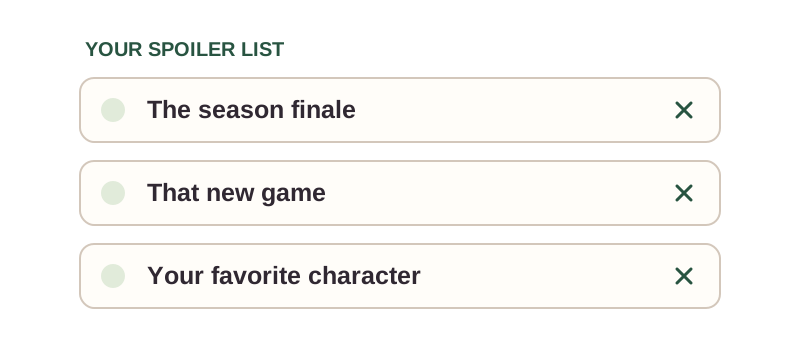
Add show titles, characters, games, or whole phrases.


The good part can wait.
Keep the plot twist a surprise. Blur matching words, images, and thumbnails until you’re ready.
 Chrome
  Safari
Free on Chrome & Safari
THE INTERNET HAS THOUGHTS
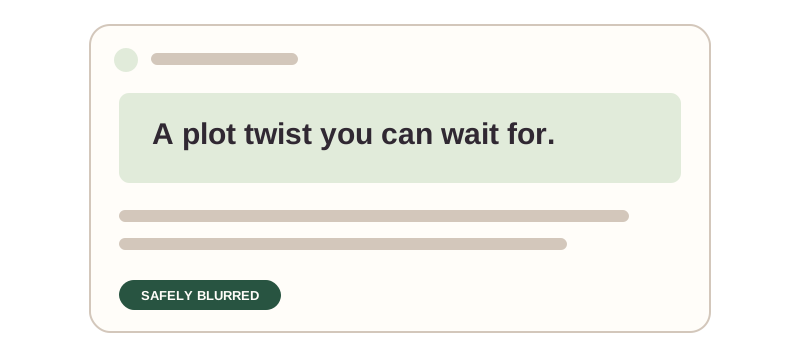
A pretend spoiler. Safely blurred.
✓Your own keywords
✓Multi-word phrases
✓Text & thumbnails
✓Free to use
THE LITTLE DETAILS
Add show titles, characters, games, or whole phrases.
Matching text and thumbnails get blurred.
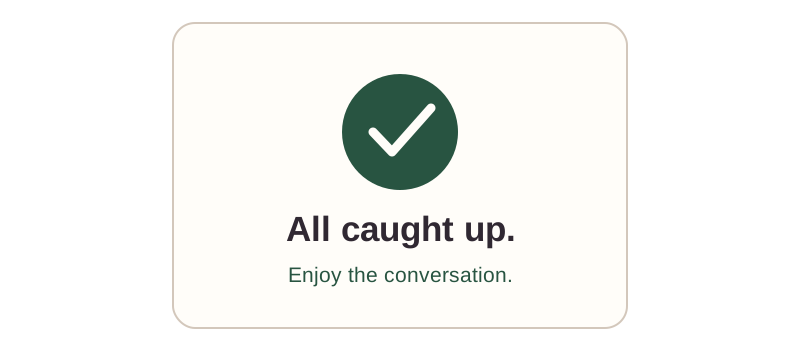
Remove the keywords. Join the conversation.
Keyword matching helps you avoid spoilers, but it cannot catch every reference. Website layouts and unlabelled images can affect what gets hidden.
GETTING STARTED
Add show titles, character names, games, or phrases you would rather not see yet.
Matching text, images, and thumbnails are blurred on supported pages.
Remove keywords when you are ready to see the conversation again.
Free on Chrome & Safari
The extension checks page content against the keywords and phrases you choose, then blurs matching sections.
It works on many sites, including social feeds and video pages, but results depend on how the page is built. It cannot guarantee every spoiler will be hidden.
Yes. Add or remove words and phrases whenever you want.
Hide Spoilers is free on Chrome and Safari.