
Pick your distractions.
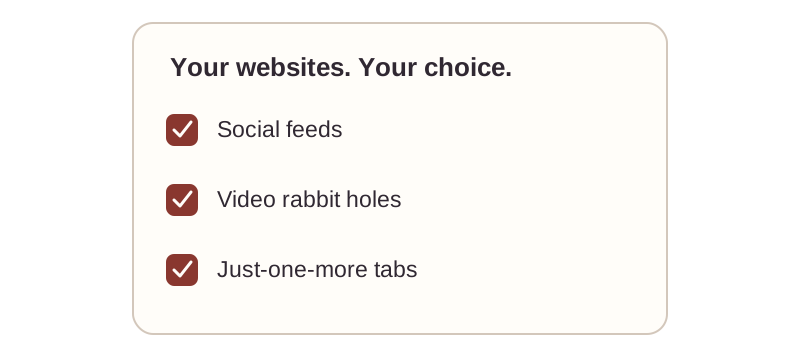
Add the sites that keep pulling you away.

A little pause. A little more focus.
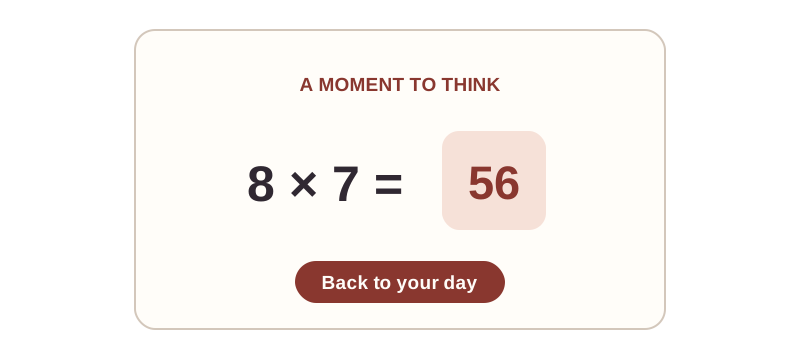
Block distracting websites in Safari. Solve a little math when you’re ready to turn blocking off.
Mac, iPhone & iPad · Safari extension
ROOM TO FOCUS
A small pause for the thing
you meant to do.
Try it here. No extension needed.
Your own block list
A math problem to pause
Safari extension
Settings on your device
THE LITTLE DETAILS
Add the sites that keep pulling you away.
A reminder sends you back to what you meant to do.
Solve a math problem to turn blocking off.
You decide what to block. ProcrastiNOT gives you a moment to think before opening the sites you chose to avoid.
About the math challengeGETTING STARTED
Add the websites you want a little distance from.
When you visit a blocked site, ProcrastiNOT redirects you with a reminder to refocus.
Solve a math problem to turn blocking off. Or leave it on and get back to your task.
Mac, iPhone & iPad · Safari extension
Solve the math problem to turn blocking off. You stay in control of your block list.
ProcrastiNOT is available for Safari on Mac, iPhone, and iPad. Check the App Store for current compatibility.
Navigation and tab permissions let the extension redirect blocked sites. Storage keeps your preferences and block list on your device.
Visit our support page or email [email protected]. Tell us your device, Safari version, and what happened.